

Key Takeaways
A card that is not recognized may have a simple cause, but the vehicle can be part of the problem too. Work through these checks before deciding what needs repair.
- Replace the card battery with the correct type and check that it is installed properly.
- Try the vehicle’s emergency starting method, following the owner’s manual.
- Look for physical damage and compare the results with a spare card if available.
- Consider the 12-volt vehicle battery and card reader, not just the card itself.
- If the fault persists, ask a qualified professional to test the card and bring proof of ownership.
Check the key card battery and basic conditions
Start with the easiest possibility: a weak card battery or something interfering with recognition. These checks do not require taking the card apart, and they can help you tell whether the problem changes with a fresh battery or a different location. If you’re looking for a Renault key card not recognized fix, begin here before assuming the card has failed.
Replace the battery with the correct type
Check the owner’s manual or the markings on the existing battery to identify the correct replacement. Battery types can vary, so don’t rely on appearance alone. Use a fresh battery from a reliable source, and avoid touching its flat surfaces more than necessary. A new battery is a useful first test, but it is not proof that the card itself is in good condition.
Check battery orientation and contacts
When you fit the battery, match its positive and negative sides to the markings in the card. A battery that is reversed or sitting loosely may prevent the card from working even if it is new. The table below can help you interpret what you see without guessing at a fault.
| What you notice | What to check | Practical next step |
|---|---|---|
| Card stopped working after a battery change | Orientation and fit | Recheck the polarity markings and reseat it |
| Battery looks correct, but response is inconsistent | Battery contacts | Look for visible dirt or bending; do not force them |
| No improvement with a fresh battery | Card or vehicle | Continue with the backup method and other checks |
If a contact looks bent or damaged, avoid pressing it into place with a tool. That can make the problem worse; a professional can inspect the card safely.
Keep the card away from phones and other electronic devices
Try using the card on its own, away from a phone, wireless earbuds, or other electronics. Also remove it from a crowded wallet or bag for a moment and test again. This is a simple way to rule out nearby items as a possible source of inconsistent recognition, rather than assuming the card has stopped working altogether.
Try the backup method to start the vehicle
If changing the battery does not help, use the vehicle’s built-in backup method if your owner’s manual describes one. The location and steps can differ by model and year, so avoid relying on a procedure meant for a different vehicle. A careful attempt can help distinguish a card-recognition issue from a broader starting problem.
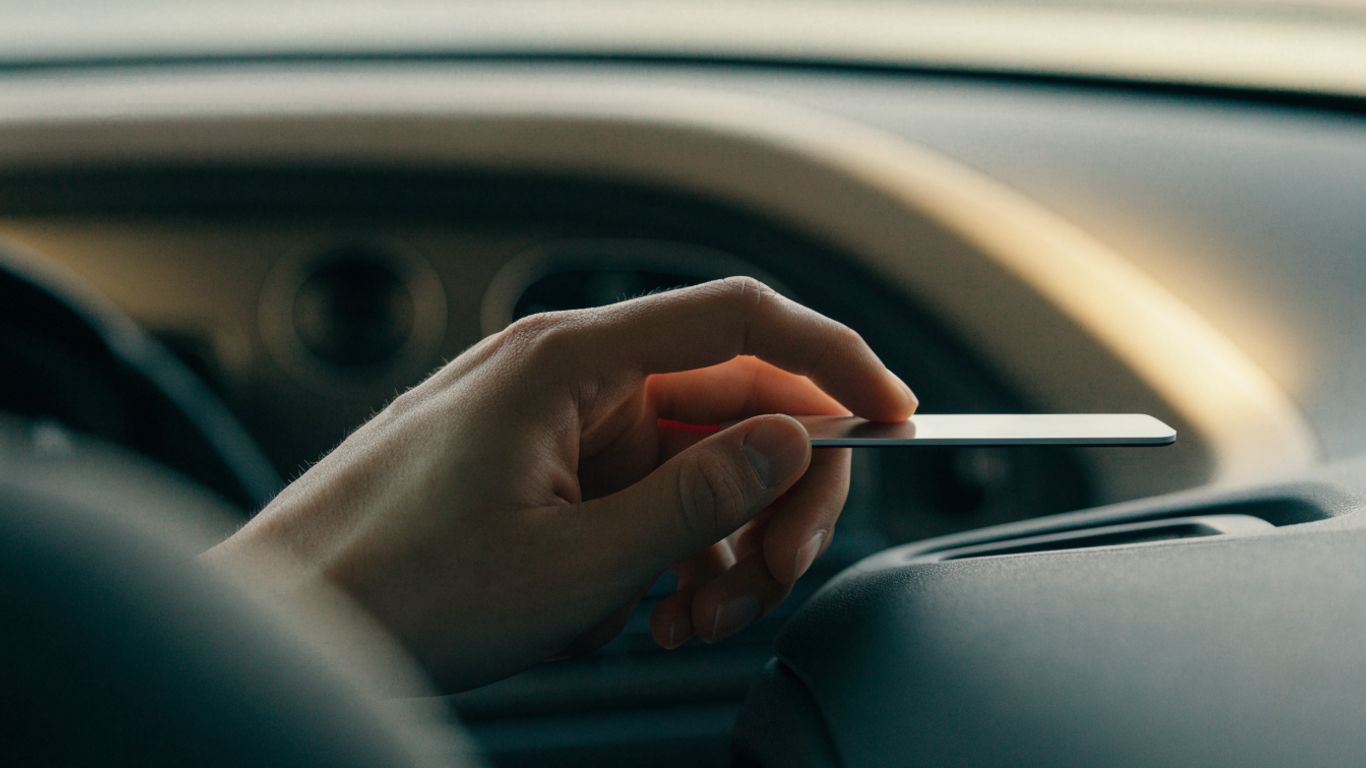
Use the designated emergency card location
Some vehicles provide a specific place where the card can be presented when normal detection does not work. Find that location in the manual rather than trying random areas around the console or dashboard. A guide to Renault card warning checks also discusses basic checks such as the battery and spare card; treat any model-specific instructions as something to verify against your own manual.
Follow the starting procedure in the owner’s manual
Use the exact sequence described for your vehicle, including any required brake or clutch pedal position and start-button step. Do not repeatedly press controls or improvise an alternate sequence if the first attempt fails. The manual is the most reliable place to check what the vehicle expects in this situation.
Note what the dashboard message or warning light shows
Write down the exact message or describe the warning light, and note whether the engine turns over or remains completely inactive. That information can help a technician narrow down what to test. The Renault keyless card basics offer general background on recognition problems, but the dashboard message and the vehicle manual should guide the next step for your specific car.
A warning that remains after using the emergency location does not automatically mean the card is defective. Keep track of what changed, if anything, and move on to checking the card and vehicle separately.
Inspect the card for damage
A card can stop working after impact, pressure, or exposure to moisture, even if the outside still looks mostly intact. Examine it in good light and compare its buttons and edges with a spare if you have one. Avoid bending it to test whether it still responds; physical stress can turn a minor issue into a permanent one.
Look for cracks, moisture, or worn buttons
Check the edges and surface for cracks, swelling, signs of moisture, or buttons that feel different from before. If the card has been wet, do not heat it or open it to dry the electronics. A Renault card damage guide covers why pressure or bending can matter, but visible condition alone cannot confirm whether the internal electronics still work.
Test a spare card if one is available
A spare can help separate a problem with one card from a problem affecting the vehicle. Try it using the same starting procedure and from the same location, so the comparison is useful. If you keep a spare at home, a consistent storage spot can help you find it when needed; ideas for organizing small essentials, such as bedside table essentials, may be useful for that purpose.
If the spare works and the original does not, the original card becomes a stronger suspect. If neither works, continue checking the vehicle rather than ordering a replacement card right away.
Avoid opening or repairing the card’s electronics yourself
A card’s outer case may look straightforward, but its internal parts can be fragile. Avoid prying it open, soldering contacts, or applying household adhesives. For accessories, a custom acrylic keychain is a separate item, not a repair for a damaged key card; attaching anything that bends or presses on the card could create another problem.
Check the vehicle’s battery and card reader
When more than one card fails, or the card works only intermittently, the vehicle deserves attention too. A weak 12-volt battery or a problem around the reader can affect starting and recognition. These checks are observations, not a substitute for electrical diagnosis, especially if other vehicle systems are behaving unusually.
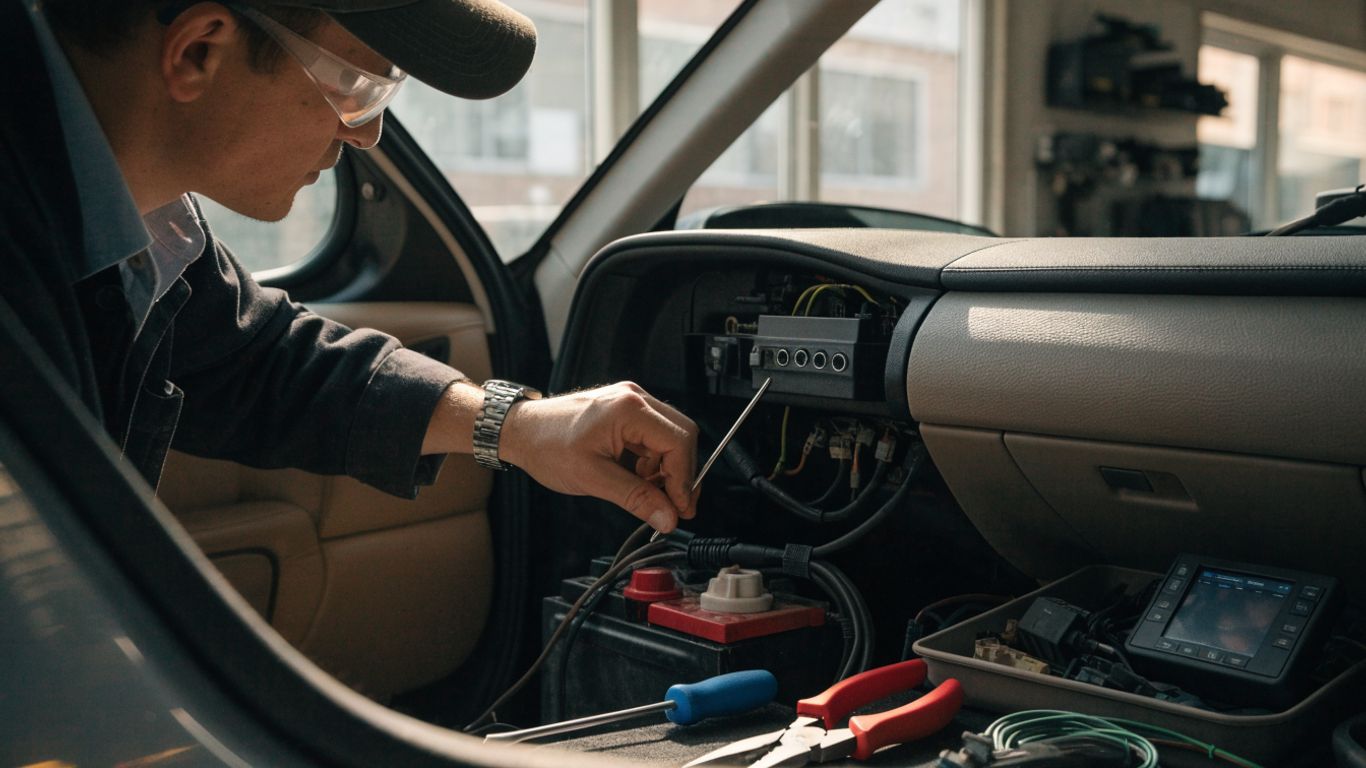
Look for signs of a weak 12-volt vehicle battery
Notice whether the dashboard lights appear dim, the starter sounds slower than usual, or other electrical features are acting inconsistently. Those clues can point to a vehicle battery issue, though they do not establish the cause on their own. If the vehicle’s battery may be weak, have it tested rather than continuing to attempt starts.
Check the reader area for debris or damage
Look around the designated card reader for loose debris, visible damage, or anything that could stop the card from sitting as intended. Do not push tools or cleaning fluid into the reader. If it looks damaged or the card will not sit correctly, leave inspection to a qualified technician.
Consider whether recent electrical work may have affected recognition
Think about whether the fault began after a battery replacement, repair, or other electrical work. Share the timing with the person diagnosing the vehicle, along with any warning messages and the results of your spare-card test. For separate automotive subjects, ATA Carnet guidance concerns temporary imports and exports, local SEO advice concerns business listings, and CoolTone treatments concern a wellness service; none of those topics diagnoses a vehicle card fault.
Decide when the card needs repair or replacement
If basic checks do not restore recognition, it is time to get a clear diagnosis rather than repeat the same steps. The card, reader, and vehicle battery can produce similar symptoms, so identifying the failing part matters. Avoid replacing components based only on a warning message.
Distinguish a depleted battery from a failed card
If a fresh, correctly installed battery changes the card’s behavior, that points toward a power issue, though it does not rule out other faults. If there is no change, the card may still be at fault, but a reader or vehicle electrical issue remains possible. Comparing with a spare card and recording what happens during the emergency procedure can make the distinction clearer.
Ask a Renault dealer or qualified automotive locksmith to test it
A dealer or qualified automotive locksmith can assess the card and help determine whether the problem lies elsewhere in the vehicle. Describe the checks you have already made, rather than asking for a replacement before testing. If the issue is intermittent, mention when recognition fails and whether it changes with the card’s position or the vehicle’s electrical behavior.
Bring proof of ownership and all available cards
Bring identification and proof that you own or are authorized to use the vehicle, along with every available card. Having both the problem card and a spare available can make comparison more useful. Ask what testing or replacement options apply to your vehicle before authorizing work.
Prevent the problem from happening again
A few careful habits can reduce avoidable card trouble, though no storage routine can prevent every electronic fault. Pay attention when recognition becomes inconsistent instead of waiting until the card stops working completely. Keeping a spare and knowing the documented backup procedure can also reduce stress if the problem returns.
Replace the card battery when recognition becomes inconsistent
If the card begins responding intermittently, check its battery and replace it with the specified type if needed. Follow the manual’s instructions and confirm the orientation before closing the card. If a fresh battery does not improve recognition, avoid changing batteries repeatedly and investigate the other possible causes.
Keep the card dry and protect it from impact
Store the card where it will not be bent, crushed, or exposed to water. Avoid sitting on it or leaving it loose with heavy objects. A protective sleeve may help prevent scratches, but it should not force the card to flex or interfere with using it as the manual describes.
Store a spare card somewhere accessible and secure
Choose a consistent place for the spare that is easy for an authorized driver to reach but not left in or beside the vehicle. Make sure everyone who may need it knows where it is. If the spare is misplaced or recognition fails again, the Renault Clio 5 card operating guide may provide model-specific operating context; check your own vehicle’s manual for the correct procedure.
Conclusion
When a Renault key card is not recognized, start with the battery and simple conditions, then try the documented backup method and compare with a spare. If the fault persists, a professional can test the card and vehicle components before you decide on repair or replacement.
Frequently Asked Questions
Why is my key card not being recognized?
Possible causes include a depleted or incorrectly installed card battery, damage to the card, interference from nearby electronics, a weak vehicle battery, or an issue with the reader. A few simple checks can narrow down the possibilities, but persistent faults need testing.
Can I start the vehicle if the card battery is dead?
Some vehicles provide a backup way to start when normal card detection fails. The location and procedure depend on the model, so follow the owner’s manual rather than relying on a general instruction.
Will replacing the card battery always fix recognition?
No. A fresh battery can resolve a depleted-battery problem, but it will not repair physical damage or a fault in the vehicle’s reader or electrical system. Check the battery type and orientation before moving on to other causes.
How can I tell whether the card or vehicle is at fault?
If a spare card works under the same conditions, the original card may be the issue. If neither card works, the vehicle or reader may need attention. These are clues rather than a definitive diagnosis.
Is it safe to open a key card and repair it myself?
It is generally better not to open or attempt electronic repairs on the card. Internal components can be fragile, and improvised repairs may cause further damage. Ask a qualified professional to inspect it.
What should I tell a technician?
Share the exact dashboard message, when the problem began, whether a fresh battery changed anything, and whether a spare card works. Mention any recent electrical work or unusual behavior from other vehicle systems.
Should I replace the card if it has visible damage?
Visible damage is a reason to have the card assessed, but it does not by itself confirm that replacement is necessary. A professional can test the card and help distinguish its condition from a reader or vehicle fault.